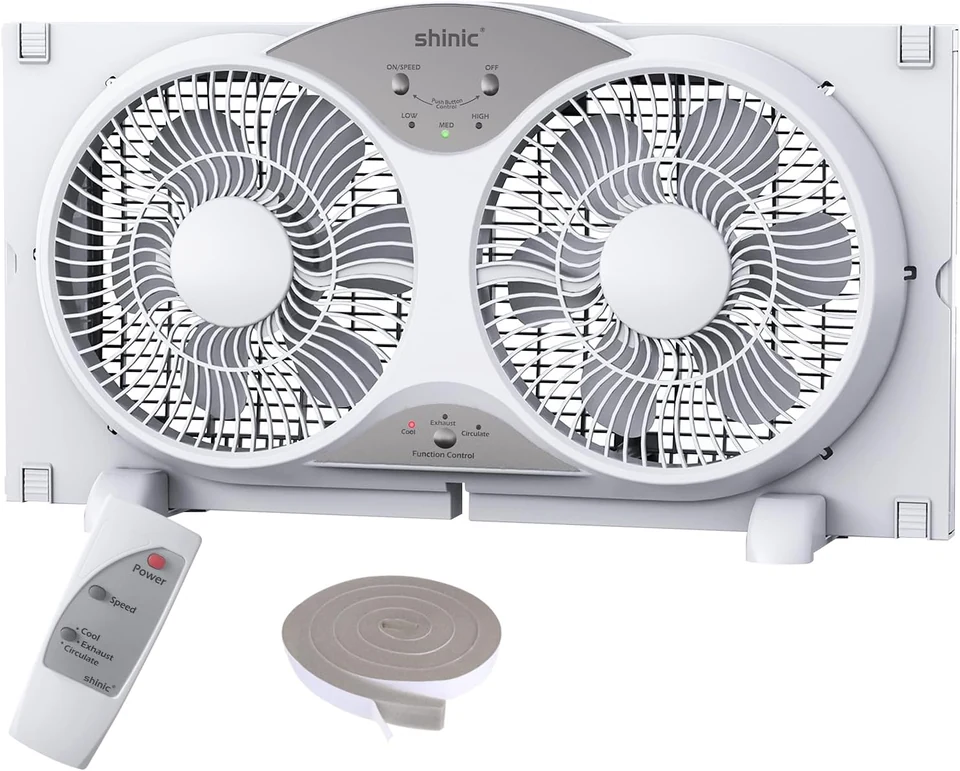
Remote Twin Window Fan
Three speeds, reversible airflow and a remote for everyday adjustment.
$54.99
Price checked
1 / 5
SHINIC / Window fans
Model BP6-9D · Temperature control · Reversible airflow
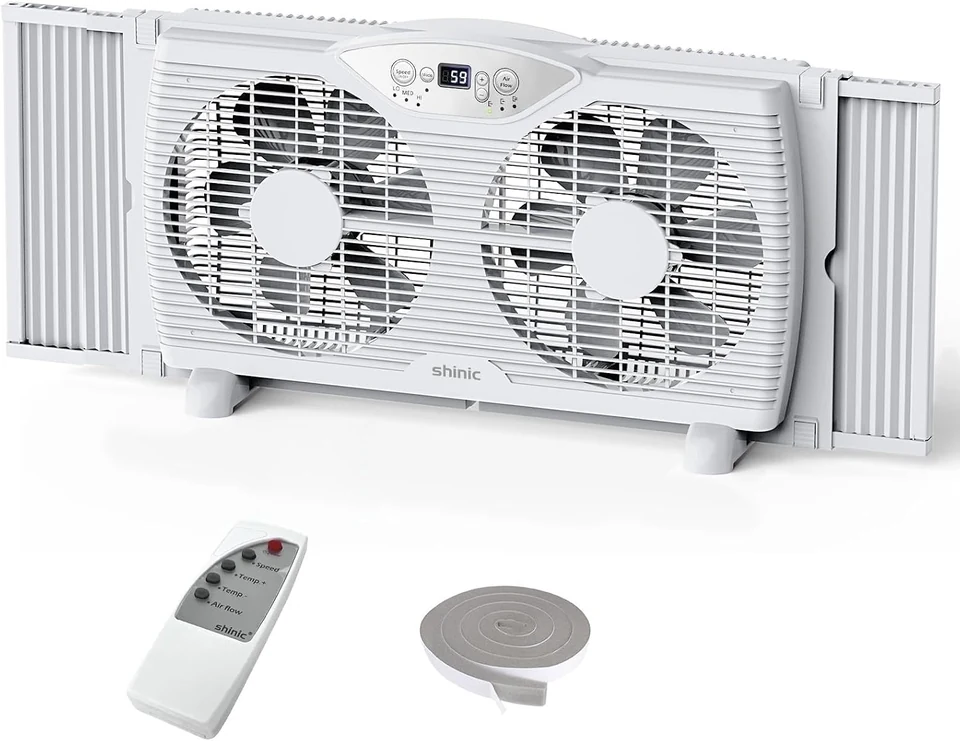
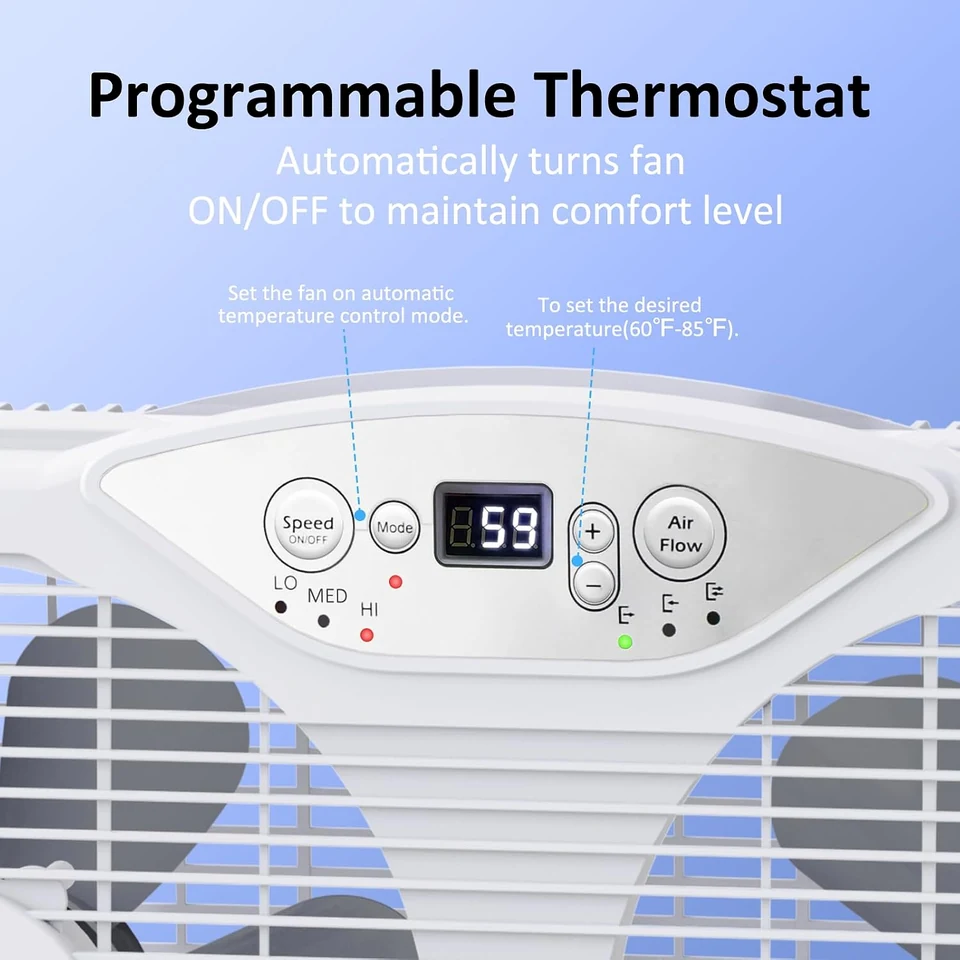
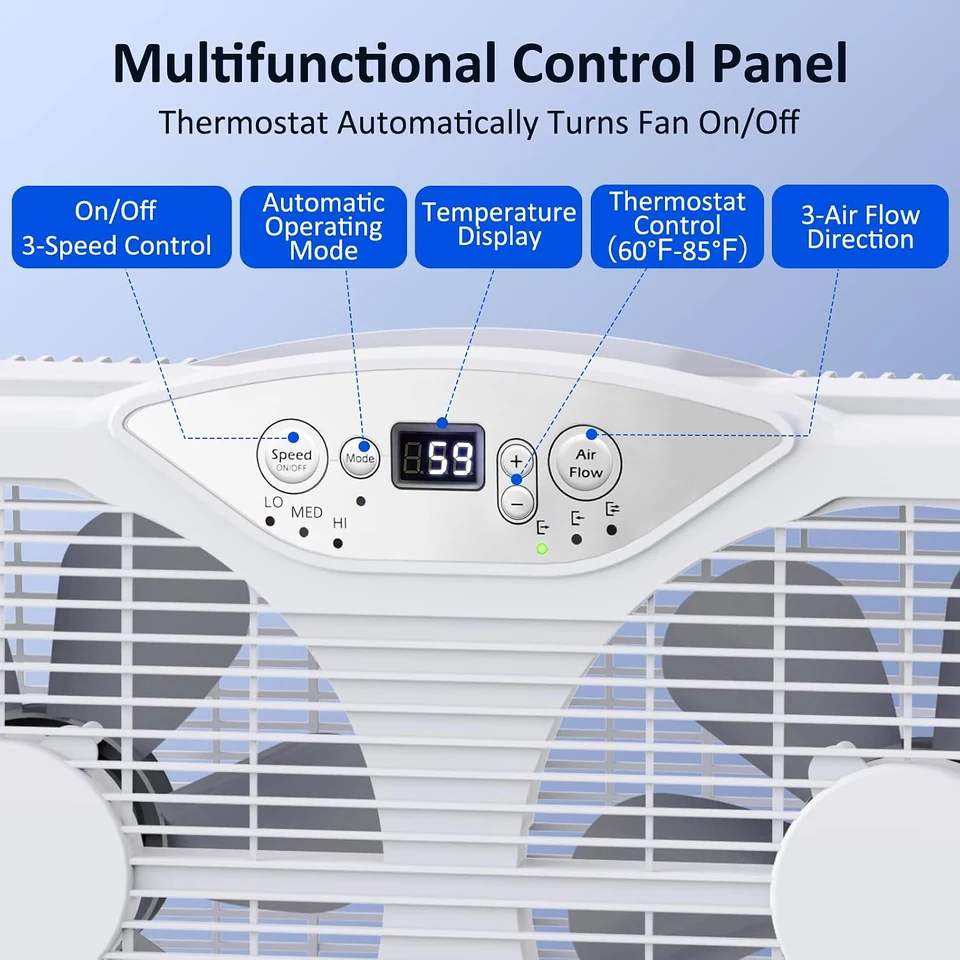
Set the airflow direction, choose one of three speeds and let the adjustable thermostat cycle the fan around your selected temperature. The display keeps the controls visible at the top of the twin-fan housing.
Opens our retail partner in a new tab. Confirm the selected option and final price there.
A closer look
The thermostat turns the fan on and off in response to the room temperature and the selected setting. It is useful when you want the fan to respond as conditions change instead of running continuously at a fixed speed. The remote gives access to speed, direction and temperature settings.
A thermostat does not turn a window fan into an air conditioner. If the air outdoors is warmer, humid or affected by smoke, a lower setting cannot make that incoming air cool or clean.
A closer look
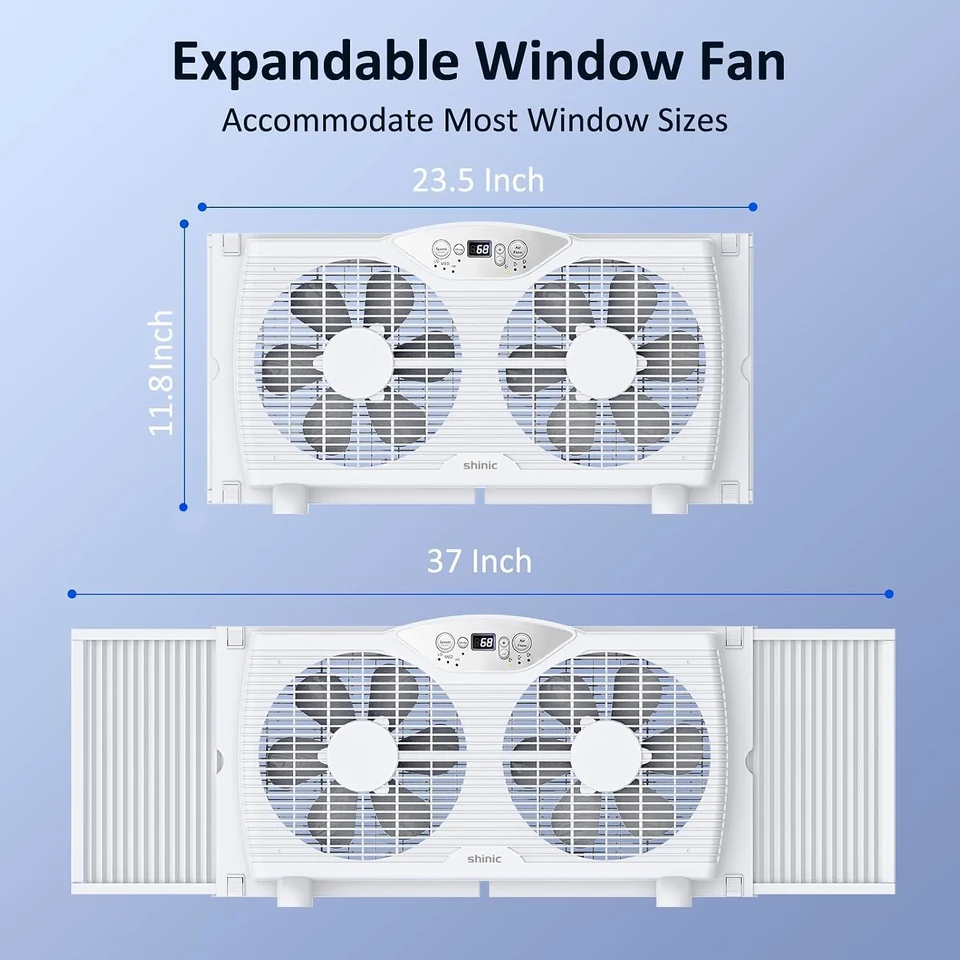
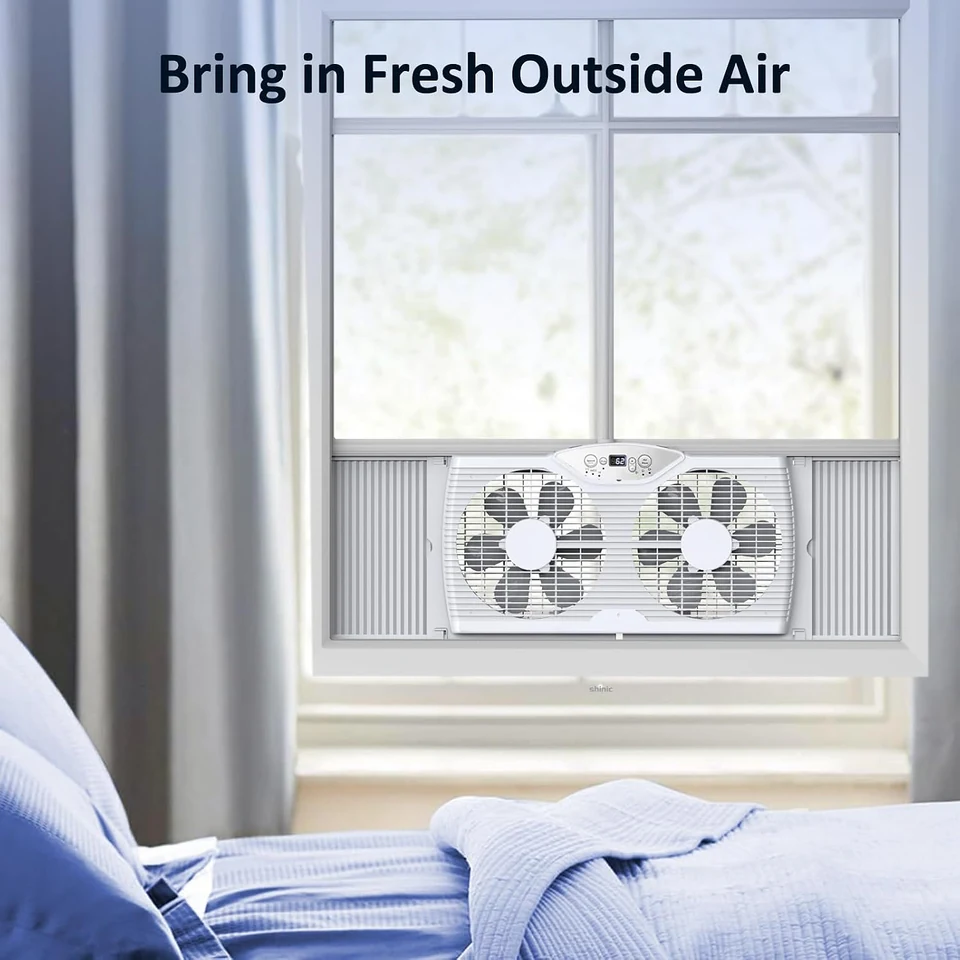
Extendable panels let you adjust the fan across a 23.5 to 37-inch opening. Confirm the actual mounting arrangement and sill support before use, then check that curtains, screens and the window sash do not obstruct the fan or its controls.
For an evening air exchange, consider where replacement air will enter the room and whether the weather will remain suitable. Turn the fan off and remove it when conditions could expose it to rain.
Know your model
Compare these details with your space and the instructions supplied with the appliance.
Switch off and unplug before moving or cleaning. Keep air passages clear of dust and never immerse the fan. Use the exact model instructions for mounting, cleaning and storage.
Keep exploring
Three speeds, reversible airflow and a remote for everyday adjustment.
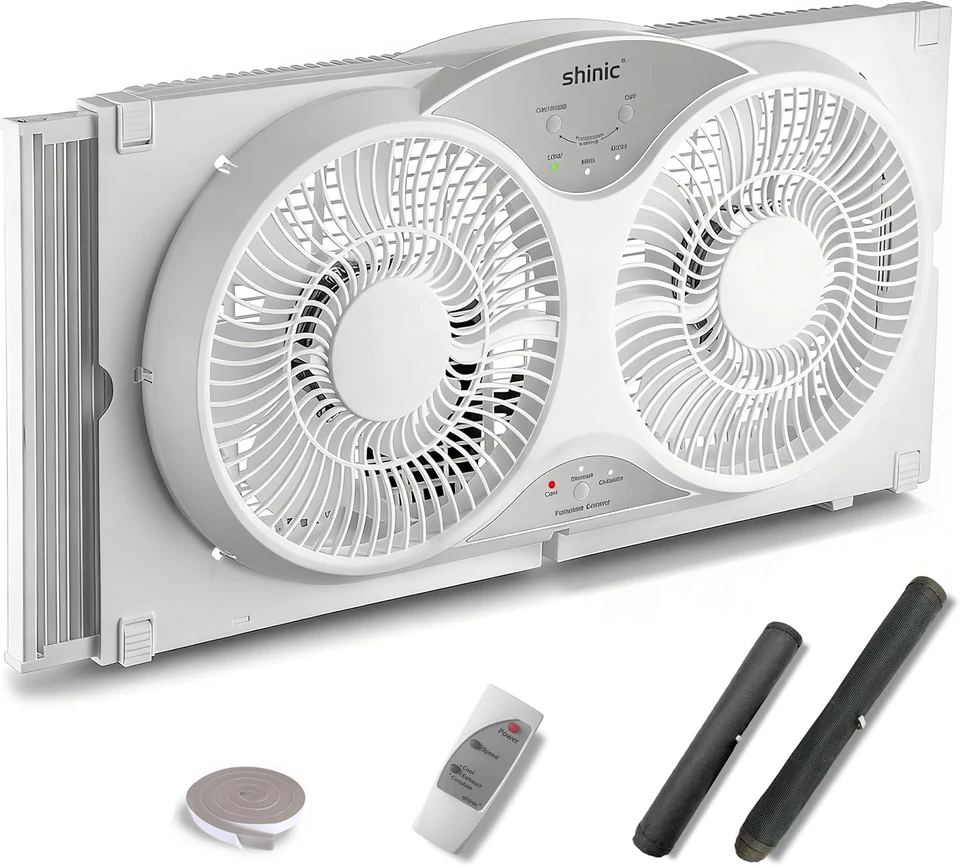
A remote-controlled twin fan with removable cover and bug screen.